
A blind traveler should be able to direct an online task, inspect the result, and decide when to seek help. Airline service-animal paperwork shows both the promise of AI agents and the work required to make that promise real.
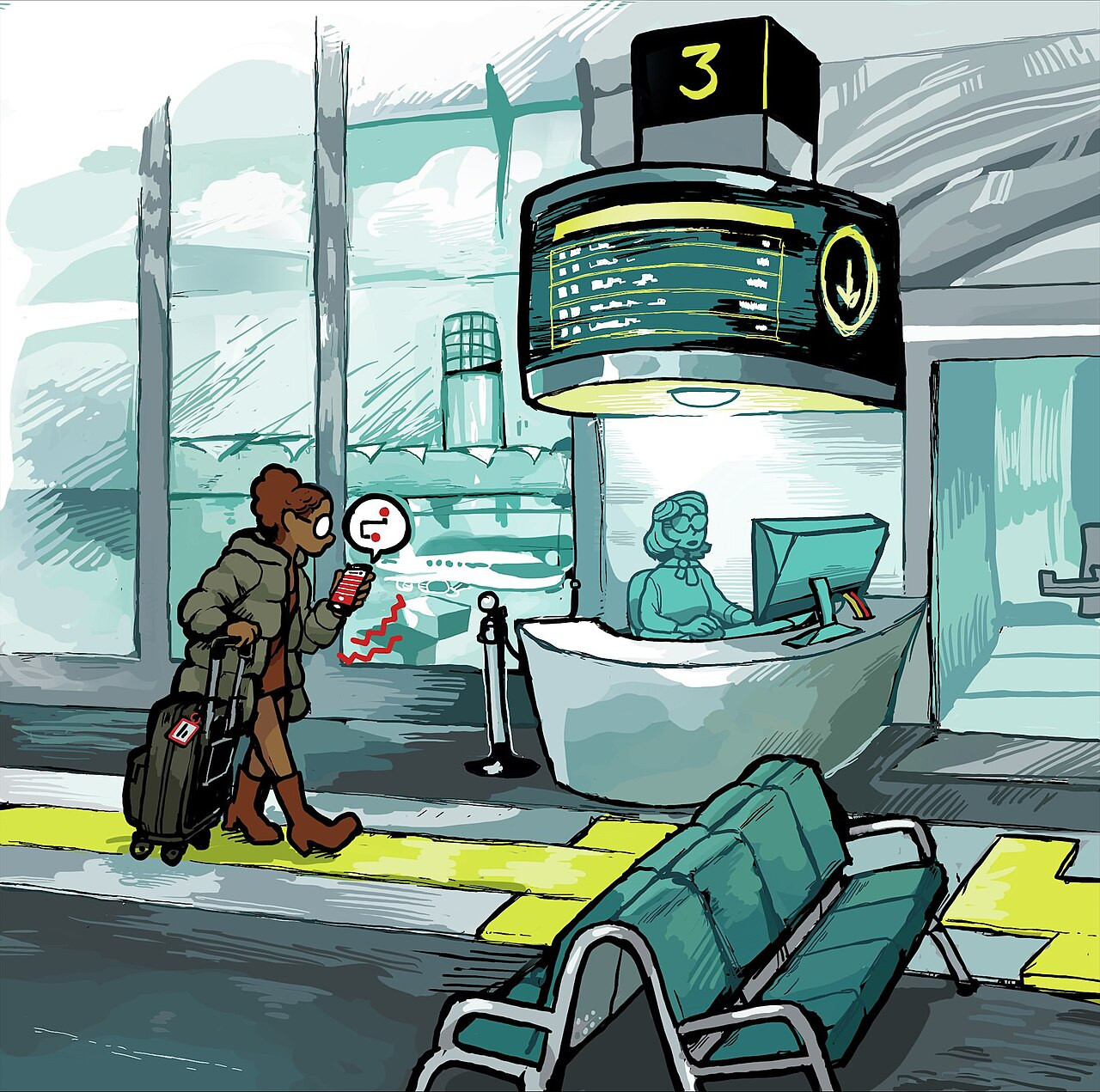
Before a flight with a guide dog, a traveler may have to find the airline’s current instructions, locate the right form, gather veterinary and training details, enter them in a usable format, and complete a separate submission process. The difficulty is often the chain of steps, rather than any single question on the form.
An AI agent could prepare the routine parts and bring the work back for review. The traveler would still decide what information to provide, confirm personal attestations, and authorize submission. The test is whether that control remains usable throughout the process.
What an AI agent can do
An AI agent uses a model and software tools to work toward a goal across several steps. It can search, work with files, use a browser, inspect what happened, and adjust its next action. Anthropic distinguishes this flexible behavior from a workflow that follows a predefined path. [1]
That makes a practical difference. An assistant can explain the fields on a form; an agent with suitable access can locate the form, prepare entries from supplied records, and return a draft for the traveler to inspect. Its permissions and the design of the website determine how far the work can go.
Three agents worth examining
Meta’s Muse, OpenAI’s Dots, and Grok Bot illustrate this emerging category. The descriptions below come from provider documentation checked October 10, 2026. We did not test these products on airline paperwork or independently assess their accessibility.
Muse
Meta describes Muse as a personal agent with its own virtual computer and browser. It can work across connected apps, continue a task in the background, and handle examples that include appointments and forms. The user can inspect its activity, manage permissions, and approve certain actions. Meta offers limited free use and paid options. [2]
Dots
OpenAI describes Dots as agents that continue work between conversations using a cloud computer, browser, and permitted tools. Users can inspect progress and intervene when a decision needs them. Dots are rolling out to eligible Pro, Business Premium, and Enterprise accounts; access depends on plan, region, age, and workspace settings. [3]
Grok Bot
Grok Bot runs persistent Bots across apps and websites. Its documentation says Bots within one account share a cloud computer, files, browser sessions, and app logins. That arrangement makes permission boundaries especially important when different Bots handle different jobs. Access is available through eligible paid Cursor plans or linked individual SuperGrok subscriptions. [4]
| Product | Documented approach | A question to test |
|---|---|---|
| Muse [2] | Personal agent with a browser and connected apps | Can I review a prepared form and approve actions accessibly? |
| Dots [3] | Persistent work through a cloud computer and permitted tools | Can I access sign-in requests, results, and any required takeover? |
| Grok Bot [4] [5] | Bots working across tools on a shared account computer | Can I supervise the task and limit access to the relevant records? |
Putting an agent to work on the airline form
For flights to, within, and from the United States, airlines may require the DOT Service Animal Air Transportation Form, which covers a dog’s health, training, and behavior. A separate relief attestation may be required on flights of eight hours or more. The rules apply to service dogs supporting people with a range of disabilities, including guide dogs. [6]
DOT says an airline that requires its form must provide an accessible format. Its sample PDF may work poorly in some browser viewers, so DOT recommends Adobe Acrobat Reader and encourages accessible HTML forms. The airline’s submission system adds another interface the traveler may have to navigate. [7]
Here is a useful division of work: the traveler names the airline and supplies the necessary records; the agent finds current instructions, drafts factual entries, flags missing information, and returns a field-by-field review. The traveler checks the entries, makes personal attestations, signs, and decides whether to authorize any supported submission step.
| Information | Agent prepares | Traveler decides |
|---|---|---|
| Handler and dog details | Drafts entries from information supplied | Checks names, contact details, and description |
| Health and training records | Copies relevant facts and flags gaps | Confirms entries against the records |
| Attestations and submission | Stops and presents a reviewable result | Makes attestations, signs, and authorizes submission |
Figure 1. Preparing and reviewing a service-animal form.
The DOT form asks for handler details, a description of the dog, veterinarian and trainer contacts, and the rabies vaccination expiration date. The traveler submits the completed form to the airline. DOT also says airlines must assist a person who states that a disability prevents them from completing the form. [8]
A traveler might instruct an agent: “Find my airline’s current service-animal form and submission instructions. Prepare factual entries using only the records I provide. Ask about missing information. Give me a field-by-field review, and stop before signing, making attestations, or submitting.”
A completed form is not an accepted form. The traveler needs to know whether the agent drafted it, submitted it, or received confirmation from the airline—and see the document or confirmation that supports each status.
A different role for visual interpreting
A visual interpreter can help with an inaccessible form, a confusing layout, or an online submission. Aira describes human visual interpreting for tasks that include forms. If an agent produces a sound draft, a traveler could ask an interpreter to focus on the parts that need visual verification. [9]
That check has several levels. An interpreter might confirm that the text appears in the intended fields and is not cut off. With permission to view source records, they might compare a transcribed date or name against the original. The traveler remains responsible for personal attestations and chooses whether to sign and submit.
| Step | Interpreter throughout | Agent with targeted review |
|---|---|---|
| Gather information | Traveler and interpreter work together | Traveler provides records to the agent |
| Enter details | Interpreter assists with fields as needed | Agent drafts entries for the traveler to inspect |
| Review and authorize | Traveler directs checks and submission | Traveler directs focused human checks, then decides |
Figure 2. Two ways a traveler might organize assistance.
These are different checks: seeing a vaccination date in a field confirms its presence; comparing it with a veterinary record tests whether it was copied correctly. The reviewer can describe what the evidence shows without claiming to verify facts beyond it.
Aira already combines AI and human support in visual interpreting. Its Access AI descriptions can be checked by a human interpreter, while its Project Astra-powered AI Visual Interpreter tester program offers human verification or takeover. These services address visual information; they do not complete the airline workflow described here. [9] [10]
Focused review could help someone use available interpreting time more effectively. Whether it saves time or money depends on the entire job: preparation, corrections, failed attempts, human review, and any agent subscription. That outcome needs a real-world test.
Where else this could help
People need different ways to interact with technology. W3C documents barriers involving vision, movement, hearing, cognition, speech, stamina, and concentration. A useful agent must fit the person’s way of working. [11]
Someone with limited dexterity might delegate repeated data entry. Someone managing fatigue might have an agent gather records and prepare work asynchronously. Another person might ask for the missing information and decisions to be presented one at a time. Each use should be judged by the person who would rely on it.
Screen readers, magnification, speech recognition, switches, and other assistive technologies remain essential. Voice interaction can help, provided the same controls and results are available through accessible text and other input methods. [12]
What the research shows
Savant, a prototype described in a 2024 ASSETS paper, translated natural-language requests into sequences of screen-reader actions. In a study with 11 blind participants, researchers reported better efficiency and usability than the practices they compared it with. [13]
A 2026 CHI study followed 16 blind and low-vision programmers using AI coding assistance. The researchers found gains in efficiency and accessibility alongside difficulties expressing intent, interpreting output, and keeping track of work across multiple views. [14]
The studies show why this approach merits attention and why oversight matters. They studied a research prototype and programming work, respectively, rather than the three consumer agents or an airline submission.
The person must be able to supervise
A browser-capable agent is useful only if its owner can manage it. Setup, permissions, sign-in, progress reports, approval requests, results, and error recovery all need accessible controls. A takeover request that strands a blind traveler in an inaccessible browser defeats the purpose.
Grok Bot advises setting clear action boundaries and handling passwords and verification codes personally. OpenAI describes approval checks and steps that users must sometimes take over. Those controls need to work with the user’s assistive technology, not merely exist on a settings page. [3] [5]
A practical trial would give the agent access only to the records needed for one task, request a reviewable draft, and check key entries against the sources. It would count setup and verification as part of the work. Websites and documents must remain accessible in their own right so people can choose to complete the task directly.
The measure of independence
The measure is whether the traveler can follow the work and direct what happens next. Can they find out what the agent completed, correct a mistake, ask for a human review, and stop or authorize submission without losing access to the process?
Agents could remove some of the administrative work around travel and other services. Their value will be demonstrated in real tasks, when people with disabilities can use the controls themselves and trust the evidence of what was done.
Sources
Sources checked October 10, 2026.
[1] Anthropic. Building effective agents. December 19, 2024.
[2] Meta. Muse personal AI agent features and capabilities. Current product page.
[3] OpenAI. Meet dots. Current documentation.
[4] Grok Bot documentation. Grok Bot overview. Updated October 7, 2026.
[5] Grok Bot documentation. Approvals security and privacy. Current documentation.
[6] US Department of Transportation. Service Animals. Updated September 25, 2025.
[7] US Department of Transportation. Service Animal Air Transportation Form sample and accessibility guidance. Updated September 20, 2024.
[8] US Department of Transportation. Service Animal Air Transportation Form and instructions. September 2024 revision.
[9] Aira. Aira Explorer App. Current product page.
[10] Aira. AI Visual Interpreter powered by Project Astra. Current tester-program page.
[11] W3C Web Accessibility Initiative. Diverse Abilities and Barriers. Current guidance.
[12] W3C Web Accessibility Initiative. Tools and Techniques. Current guidance.
[13] Kodandaram and colleagues in ASSETS 2024. Enabling Uniform Computer Interaction Experience for Blind Users through Large Language Models. October 27, 2024.
[14] Chen and colleagues in CHI 2026. Programmers Who Use Screen Readers in the Vibe Coding Era. April 2026.
All insights